Sleeve, case, cover or pouch: what the words actually mean
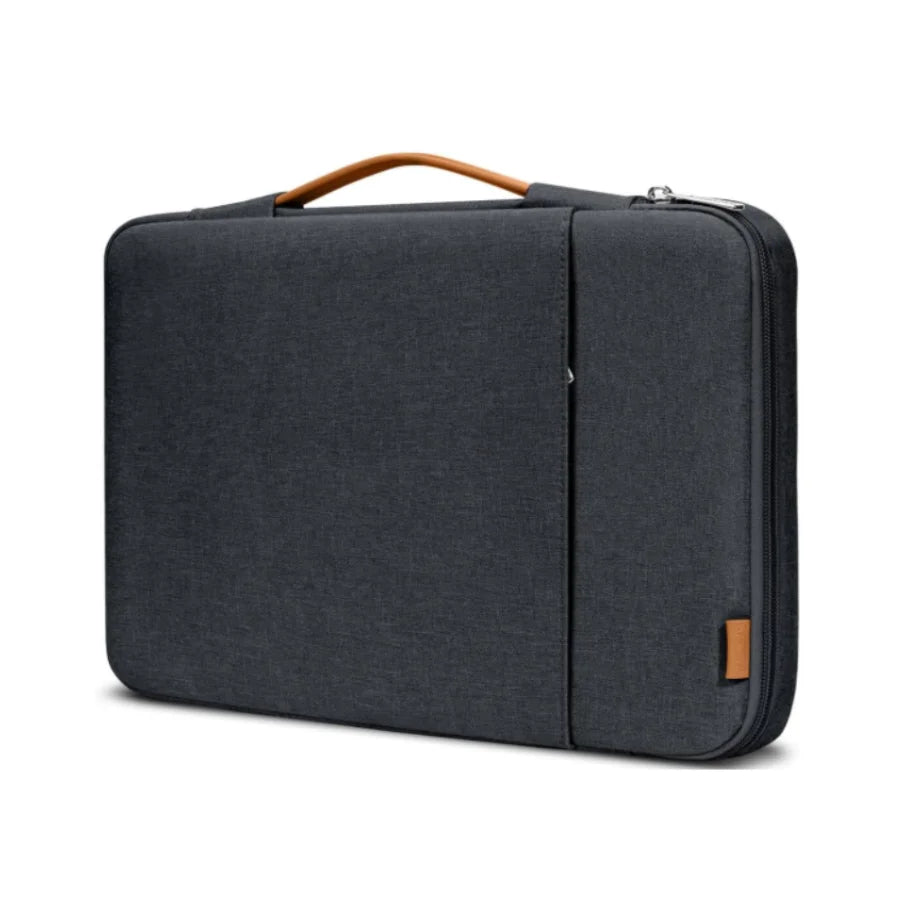
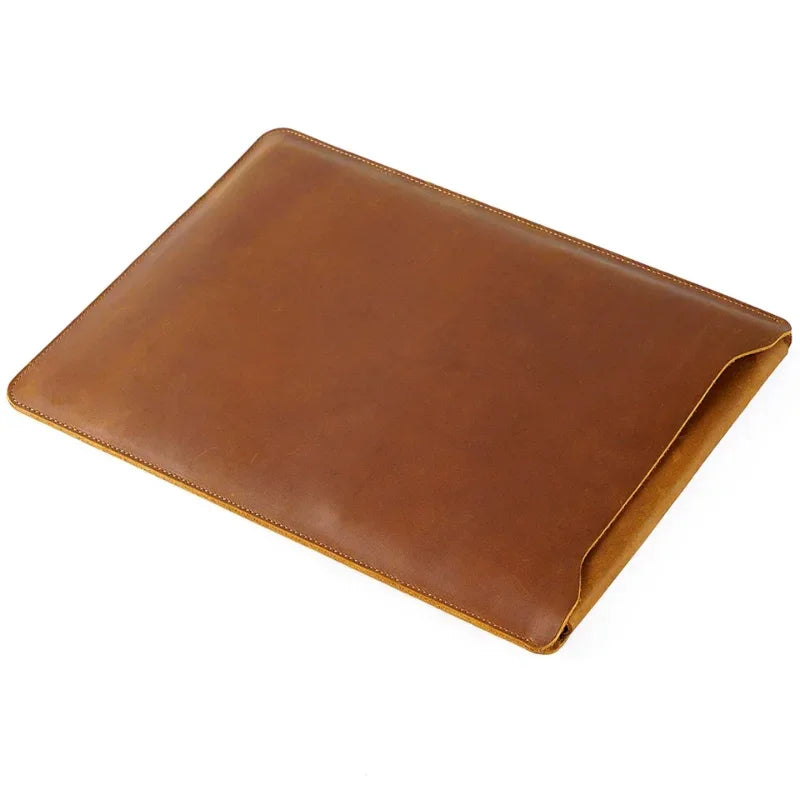
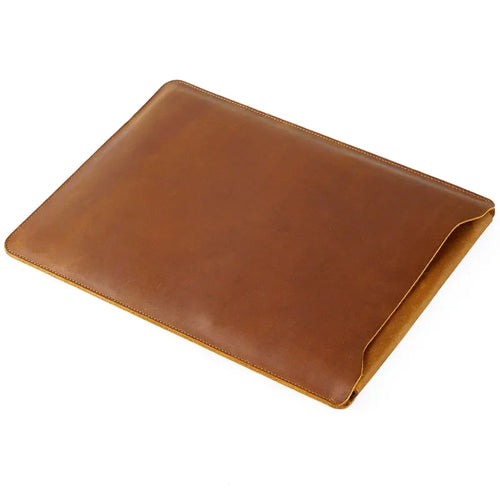
These four terms get used as if they were interchangeable, and the mismatch drives a lot of returns. A sleeve is soft-sided and close-fitting, cut for one size, with no handles by default. A laptop case usually means either a hard shell or a full bag with a handle and a strap. A laptop cover is a snap-on shell that stays attached to the machine and travels inside something else. A laptop pouch is unstructured and loose, which is fine for a charger and less fine for a screen.
Computer sleeve and notebook sleeve are older names for the same product. If you are shopping for a tablet, look for a tablet sleeve or an iPad sleeve instead. Laptop dimensions run wider, and the extra room defeats the purpose.
The inch on your laptop is a screen size, not a sleeve size
Every sleeve on the market is labeled 13 inch, 14 inch, 15 inch, 16 inch or 17 inch. That number is the diagonal of the display. It says nothing about how wide or deep the closed machine is, and two laptops carrying the same label can differ by half an inch or more in width.
Measure instead. Close the laptop, then take the width, the depth front to back, and the thickness of the body. Compare those three numbers against the stated interior dimensions of the sleeve, not the exterior. Aim for a small margin: enough to slide the machine in without forcing, not enough for it to shift when the bag swings.
Apple machines are the reliable exception, since a MacBook sleeve, a MacBook Air sleeve or a MacBook Pro 14 sleeve is usually cut to one specific body. Everything else should be checked before you order.
Which material fits the way you carry
Material decides three things at once: how much of a knock gets absorbed, whether a spill matters, and how the sleeve looks after a year of daily handling. Neoprene is the mass-market default for a reason, and it is also the reason most sleeves look tired within months.
| Material |
Best for |
Water resistance |
Weight and feel |
How it ages |
| Full-grain leather |
Client-facing work, sleeves that live on a desk |
Sheds light rain, marks if soaked |
Heaviest, firm, holds its shape |
Shows scratches early, then evens into patina |
| Waxed canvas |
Commuting and travel inside a larger bag |
Best of the soft materials |
Medium, softens with use |
Wax wears at the creases, can be refreshed |
| Wool felt |
Slim carry with minimal bulk |
None, soaks straight through |
Lightest, soft, no structure |
Pills and stretches at the opening |
| Neoprene |
Budget carry, gym and campus |
Resists water, dries slowly |
Light, stretchy, no shape |
Packs flat and holds odor |
| Ballistic nylon |
Hard travel and checked bags |
Resists water, wipes clean |
Light, stiff, technical look |
Barely changes, looks the same at year five |
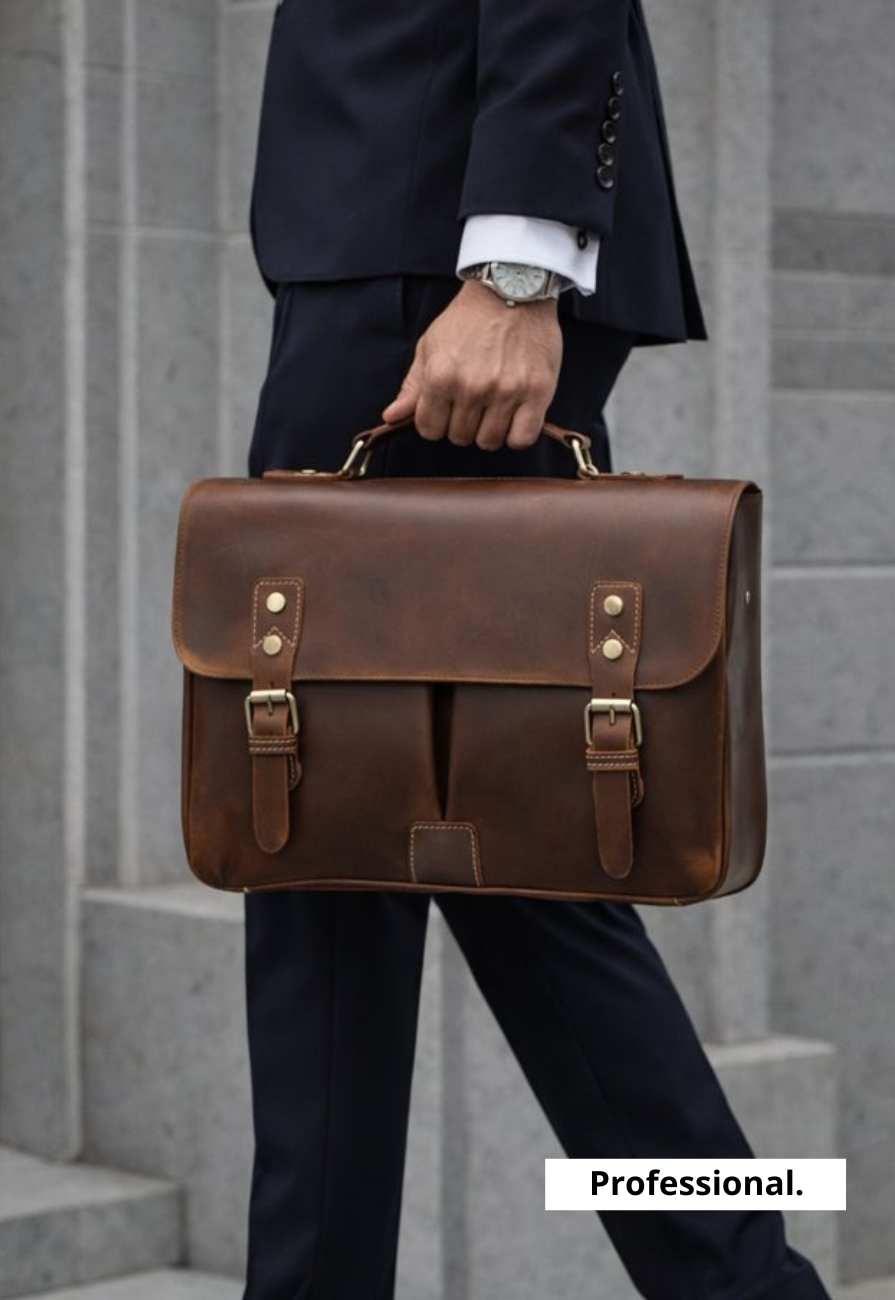
Two honest notes. A waterproof laptop sleeve is close to nonexistent, and most listings using that word mean water resistant. That covers rain between a car and a lobby, not a submerged bag. And leather is the heaviest option on this list, so if weight matters in a commuter bag, waxed canvas or felt serve you better. If you want the material that ages best, our leather laptop sleeves cover that end of the range.
Inside a bag, or carried on its own
Most sleeves spend their life inside something else. A laptop sleeve for a backpack should be as slim as the fit allows, since every extra layer of padding eats space you already paid for. A slim laptop sleeve or a minimalist laptop sleeve is the right call here.
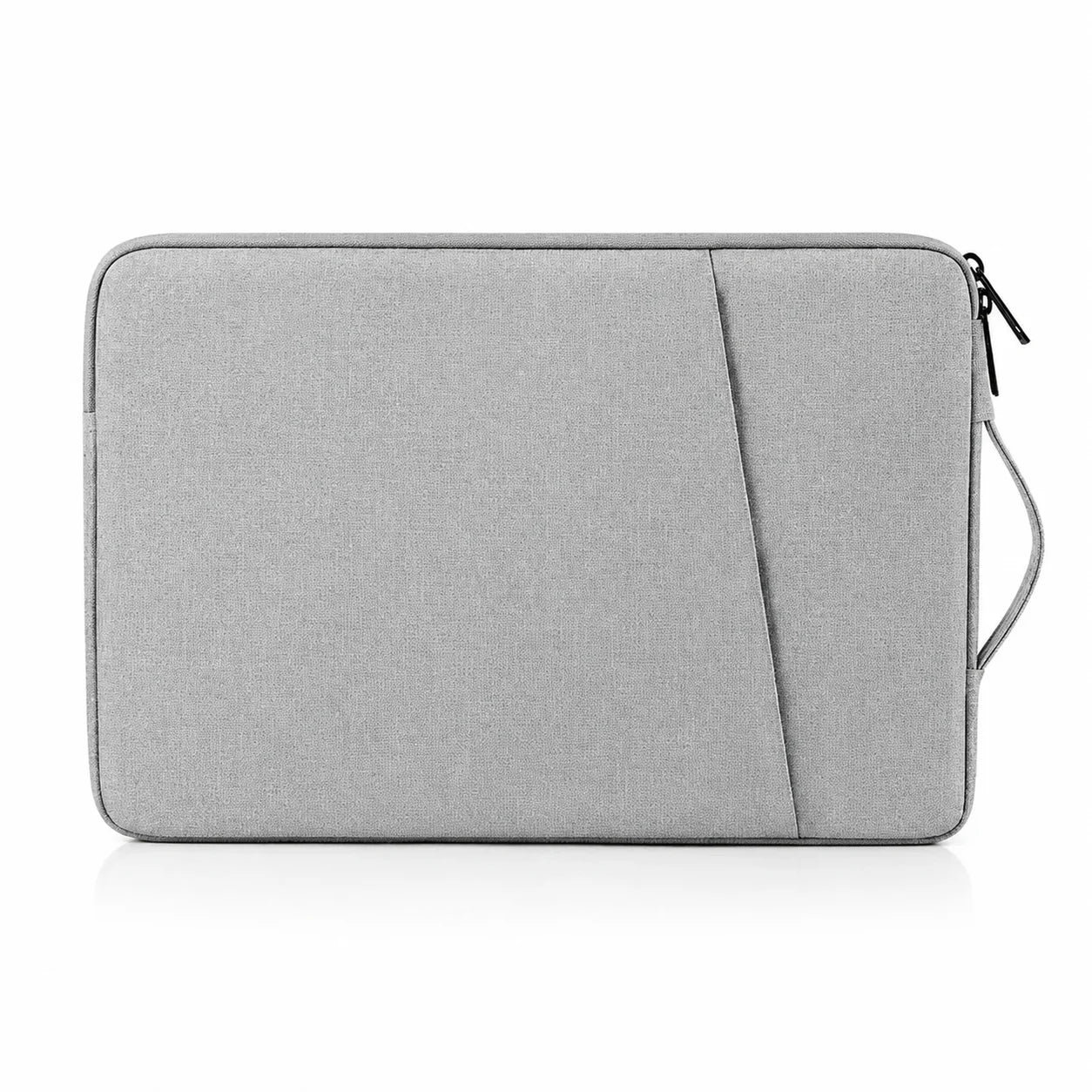
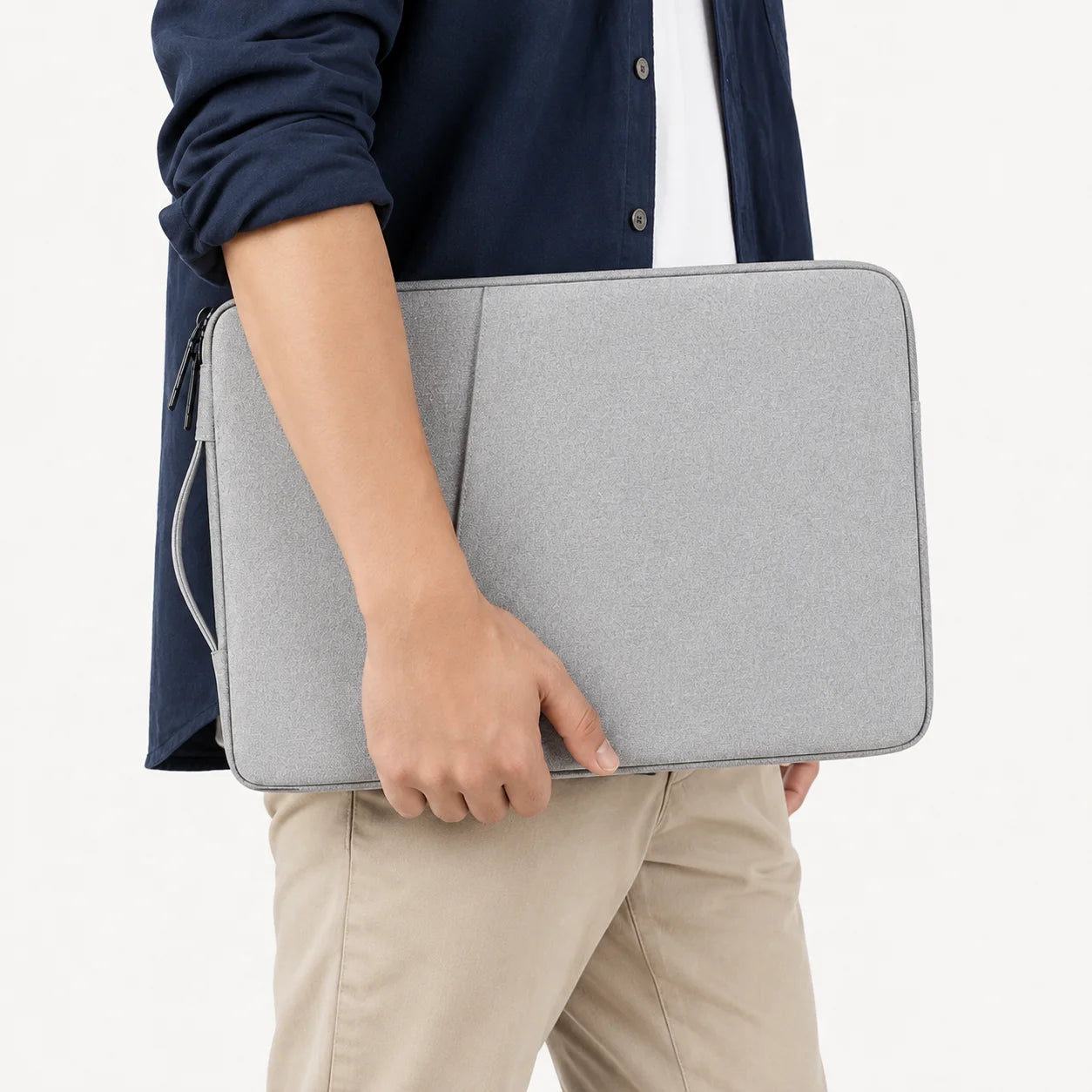
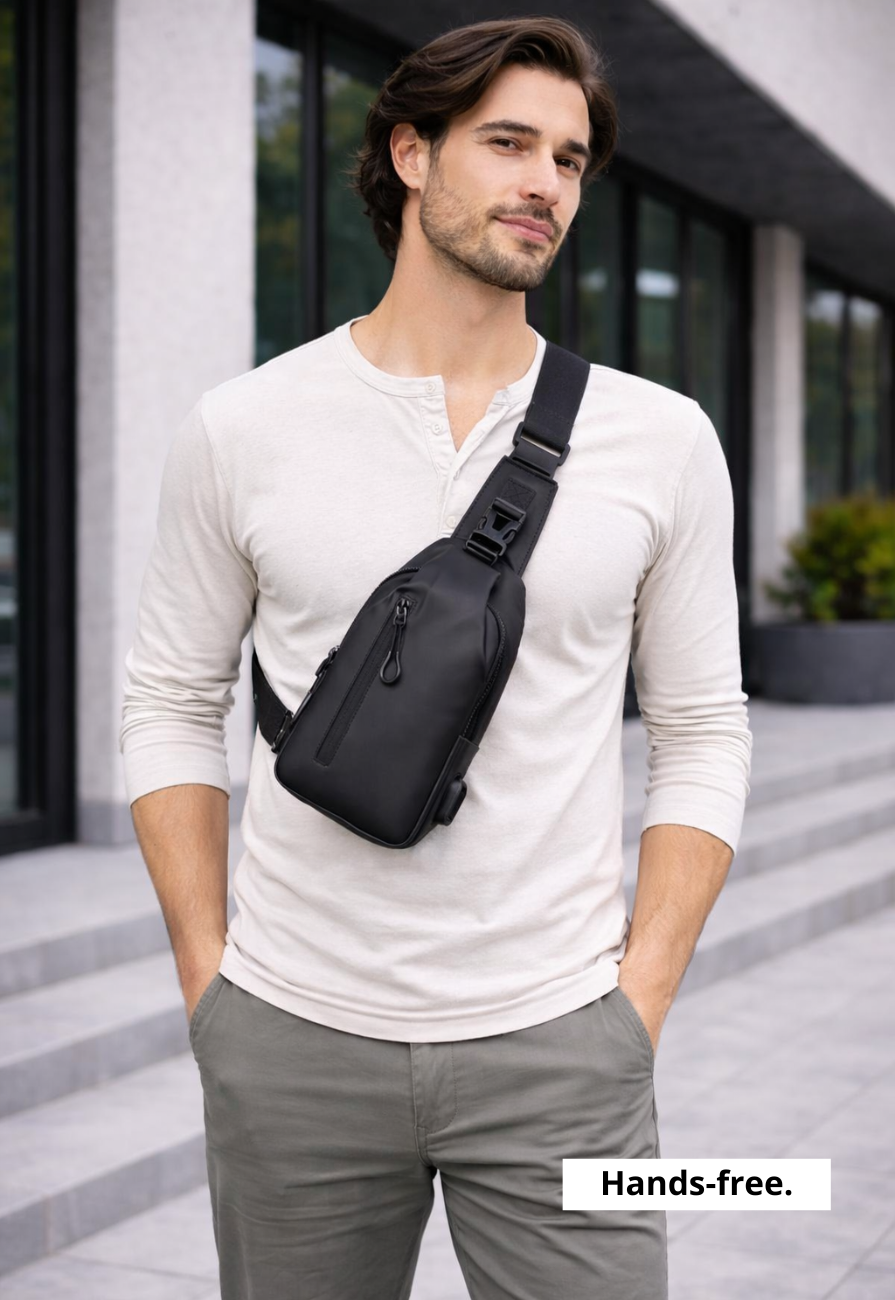
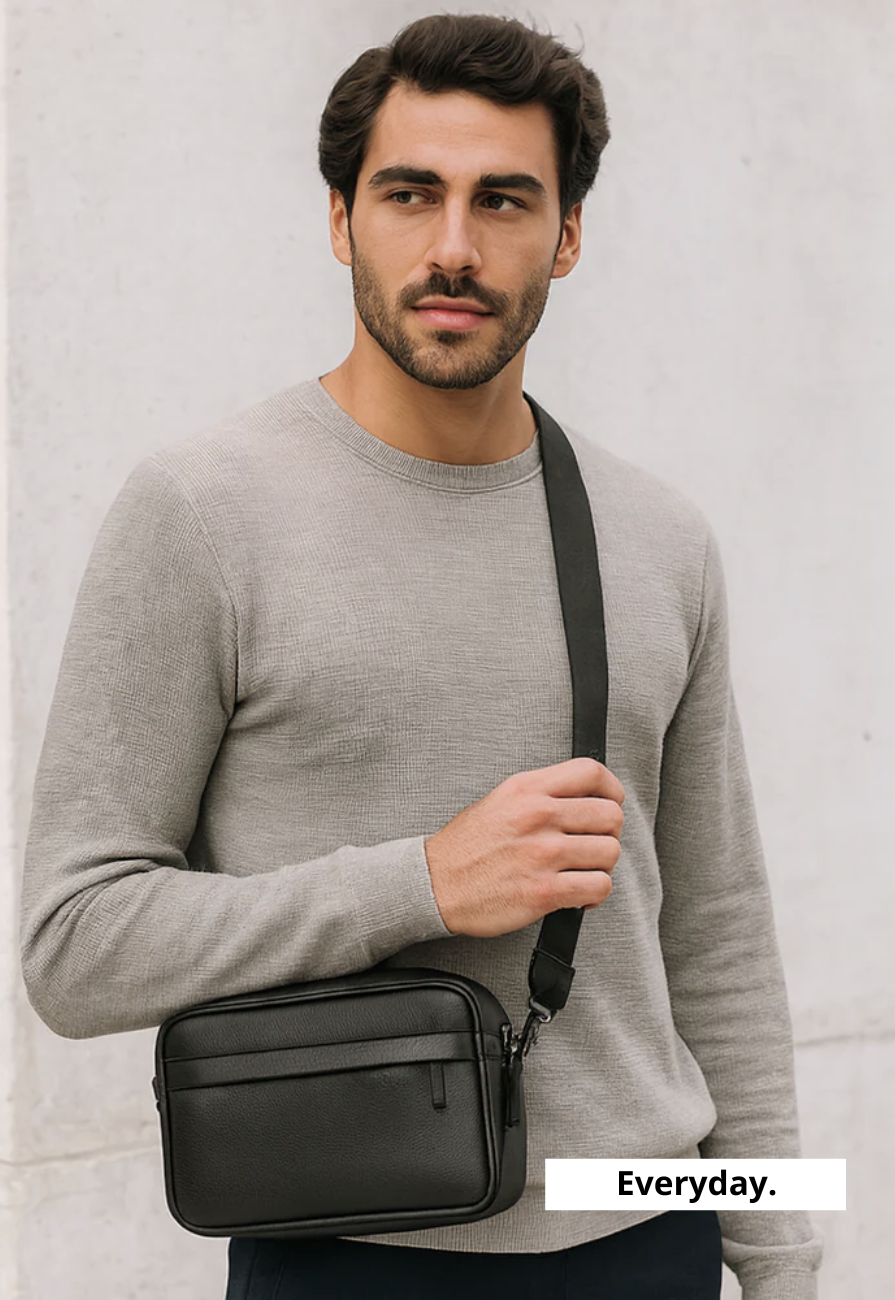
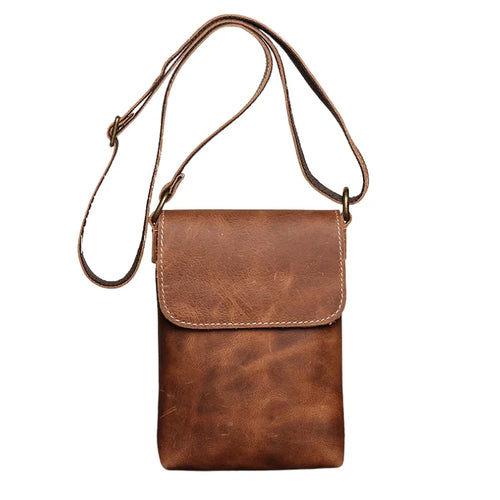
If the sleeve is the whole carry, the requirements flip. A laptop sleeve with a handle works for short walks between meetings. A laptop sleeve with a strap frees your hands. A laptop sleeve with a pocket holds a charger and a notebook, which is often all a light day needs. Vertical laptop sleeves load from the short edge and suit a shoulder carry, though they are harder to unload one-handed.
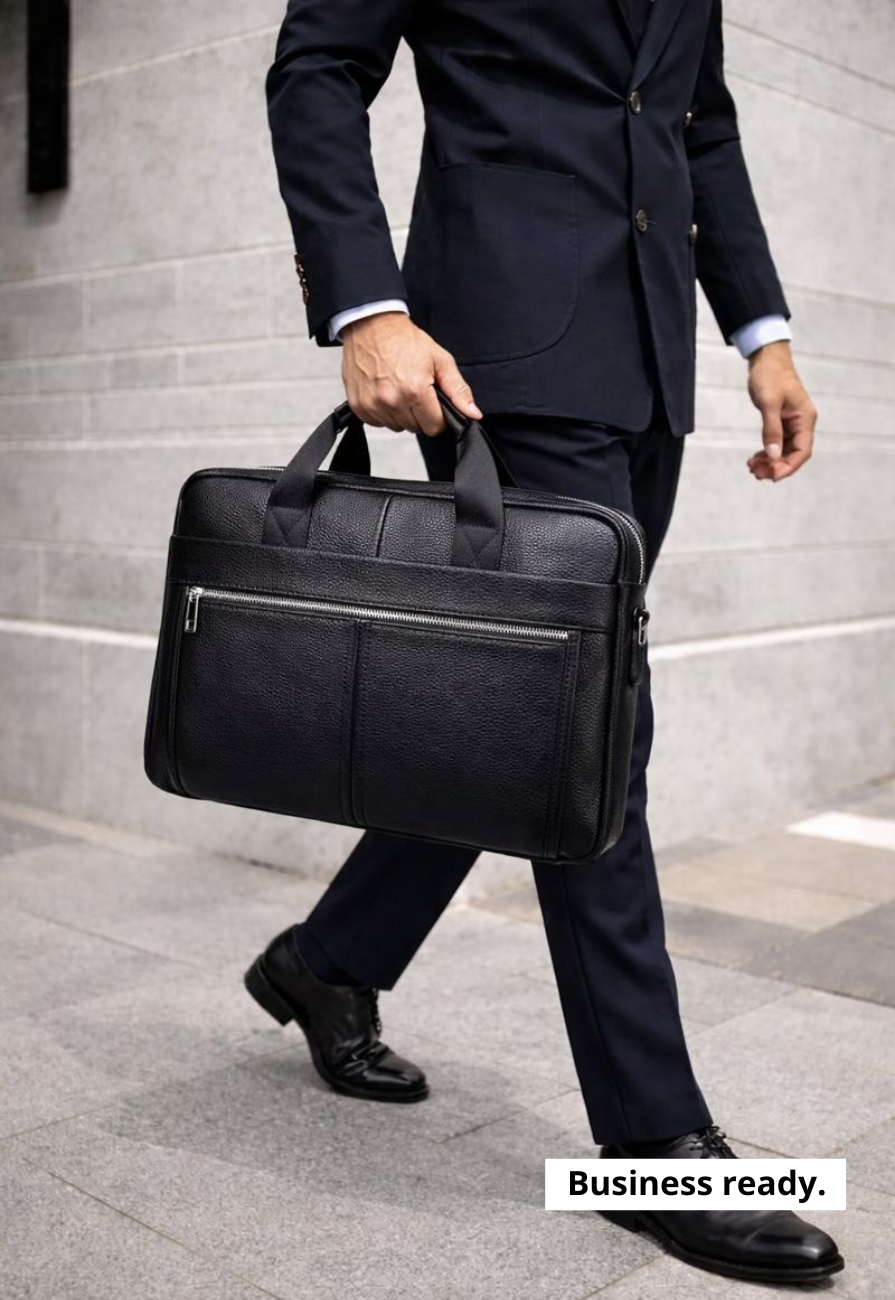
One limit worth stating plainly: a padded laptop sleeve protects against pressure and scratches, not drops. If your commute involves a crowded train or a bike, put the sleeve inside a structured bag. Our men's briefcases are built around exactly that pairing.
Custom, personalized and monogrammed sleeves
A personalized laptop sleeve is one of the few tech gifts that does not date. Initials read as considered rather than novelty, provided the placement stays small and the method suits the material.
Debossing works on leather, where the mark is pressed in and darkens over time. Waxed canvas takes embroidery better than a hot stamp, since the wax finish resists heat. Felt and neoprene take printing, which sits on the surface and wears at the same rate as the material underneath. A custom laptop sleeve cut to non-standard dimensions earns its cost on older or unusual machines, where no stock size fits properly.
Keeping a sleeve in shape
Empty it before you store it. Leaving a charger inside for a month sets a permanent bulge in almost any soft material, and the sleeve never quite recovers.
Leather wants a dry cloth and a light conditioner once or twice a year, no more than that. Waxed canvas should never meet soap or hot water, both of which strip the finish. Brush it clean, spot-treat with cold water, and re-wax the creases once it stops beading. Felt lifts lint with a garment brush. Neoprene needs airing rather than washing, since the smell comes from trapped moisture.
Built to fit the rest of your kit
The best laptop sleeves are the ones you stop thinking about, and they work better as part of a set than on their own. The same selection standards run across the rest of our men's accessories, from the desk pieces that stay in one place to the small leather goods that move with you daily. Get the fit right first, and every choice after it gets simpler.